
The Only Power BI Data Analyst Program with 1-on-1 Mentorship
Become a Certified Power BI Pro in 5 Weeks
Learn from Data Analysts with experience at –




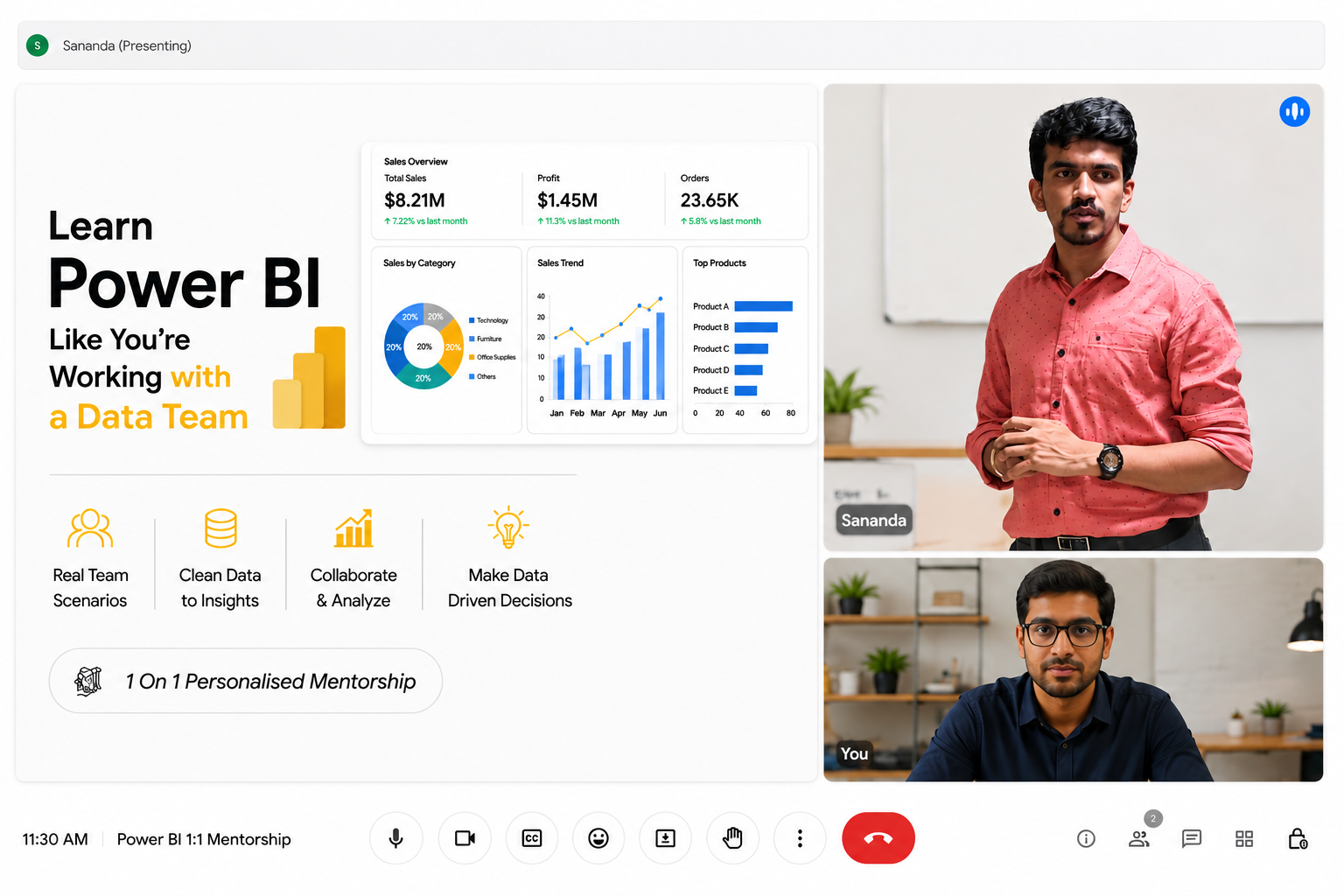

Program Highlights
25+ LIVE Classes
Learn through live interactive sessions
1-to-1 Mentorship
Personalized guidance from industry experts
3+ Real World Projects
Solve practical business use cases
Certification
Earn a recognized completion certificate
Build Dashboards
Create interactive Power BI dashboards
Portfolio development
Build a job-ready project portfolio
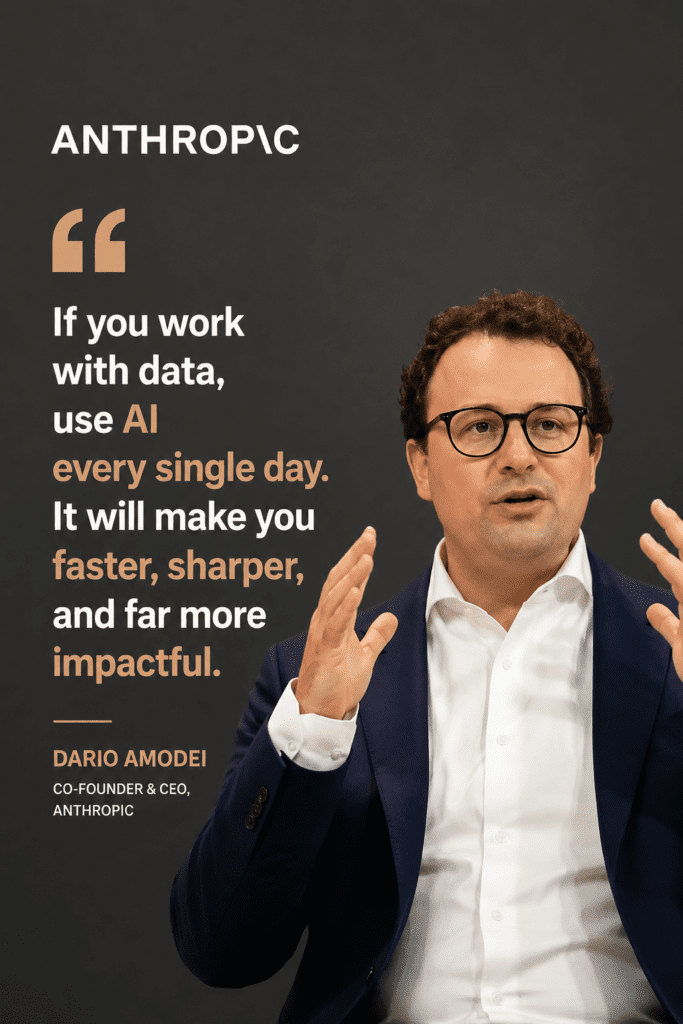
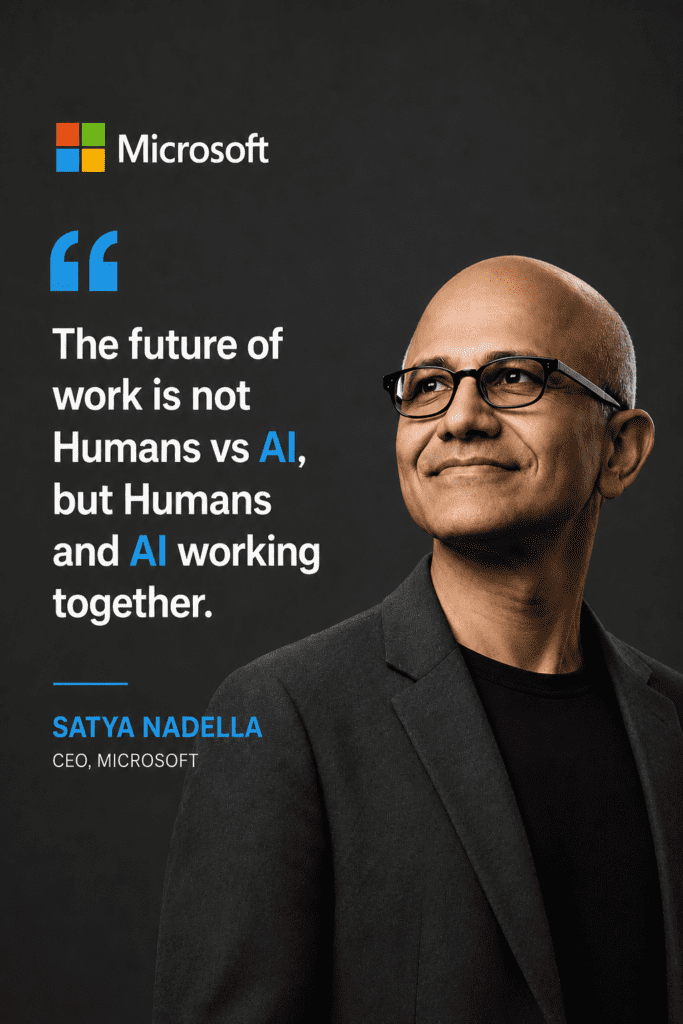
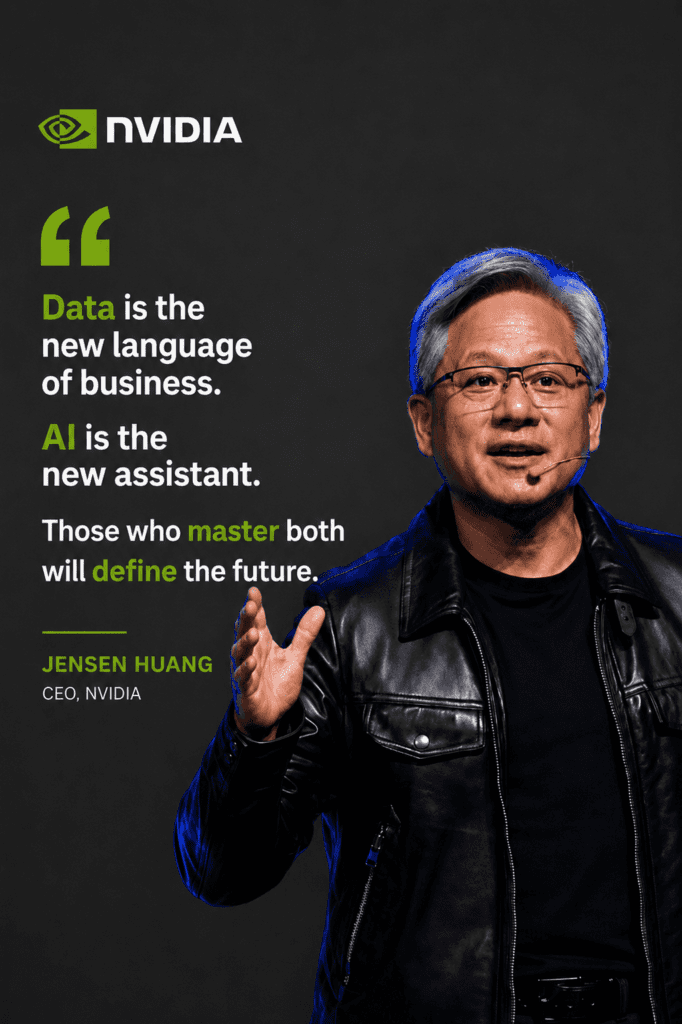
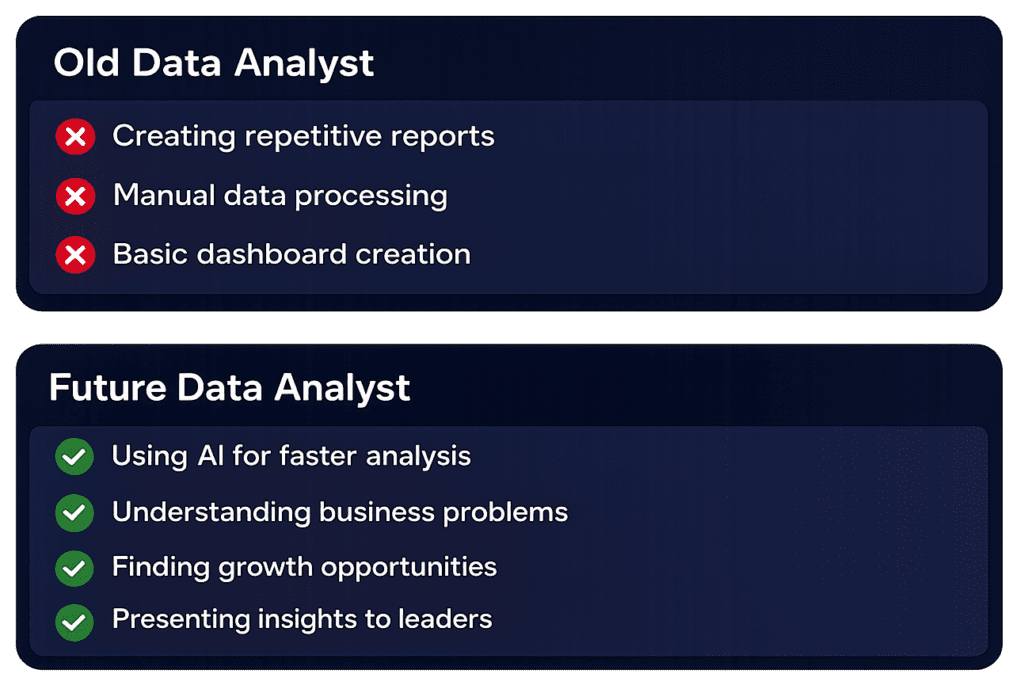
The Future of Data Analytics is Human Intelligence + AI
AI is transforming how professionals analyze data and generate insights. The most valuable analysts combine AI tools, analytical thinking, and business understanding to make better decisions.
What Global Leaders Say About the Future of Data & AI
Why People Struggle To Learn Power BI
❌ Watch hours of videos but still confused
❌ Struggle with DAX and data modeling
❌ Copy dashboards without understanding
❌ No one to review or guide your work
❌ Can't apply concepts to real business scenarios
The Shift is happening
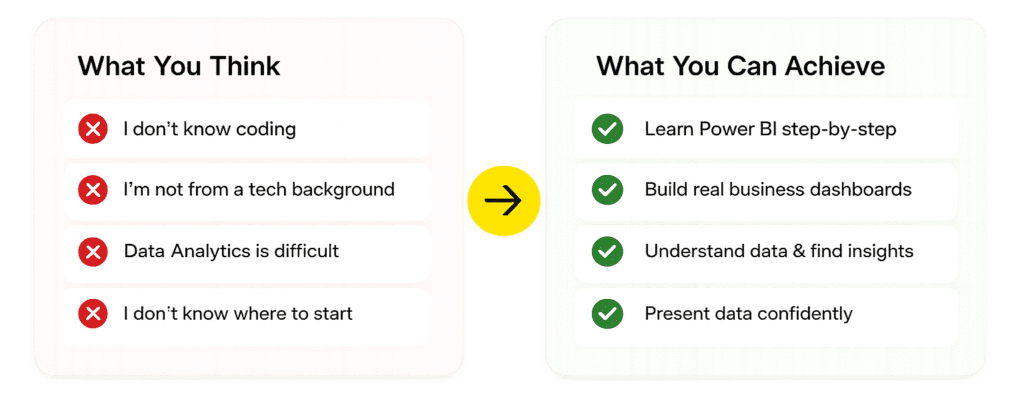
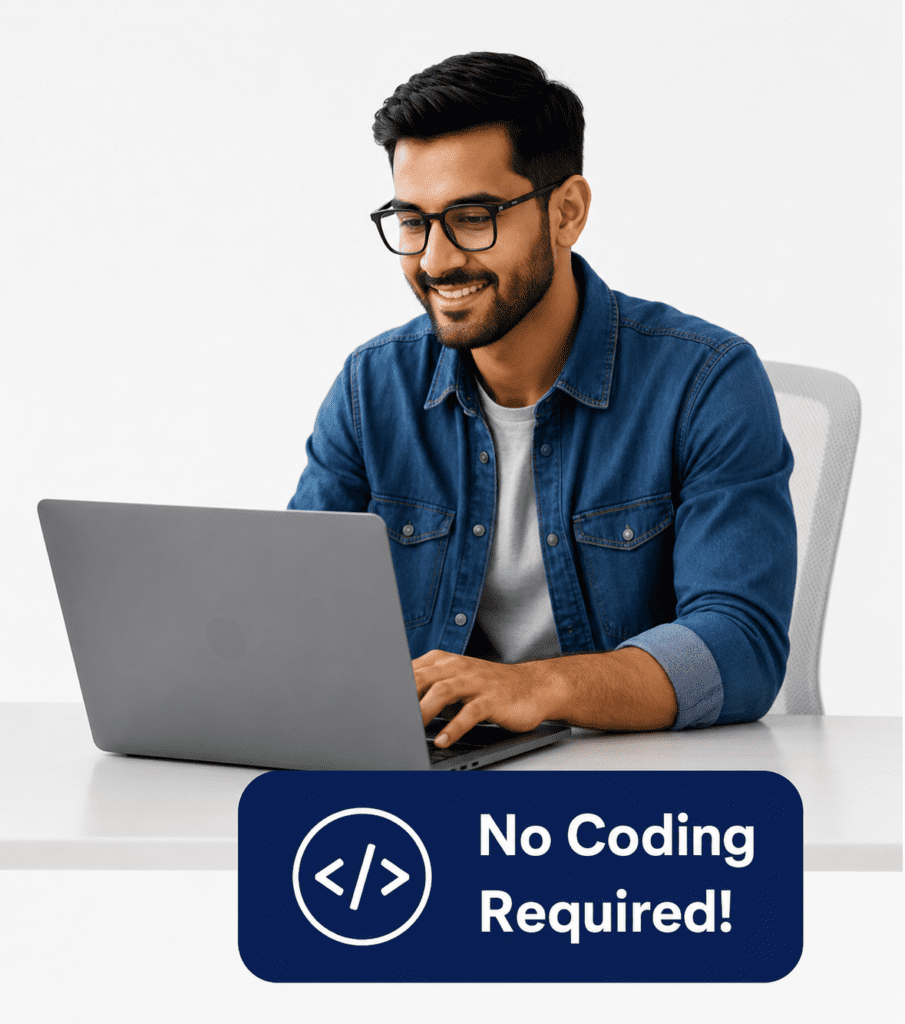
No Prior Coding Experience Required
Whether you are from sales, finance, HR, marketing, operations, or any non-tech background, our 1-to-1 mentorship helps you learn Power BI from the basics and build industry-ready analytics skills.




A Complete Power BI Analyst Roadmap (5 weeks)
Designed for professionals who want to learn by doing, not just listening.
Module 1: Introduction to Power BI & Business Applications
Learning Objective
Understand the fundamentals of Business Intelligence and Power BI, its ecosystem, and how organizations use data-driven decision-making to improve business performance.
What you'll learn:
• Introduction to Business Intelligence (BI)
• Understanding Data Analytics & Reporting
• Power BI Ecosystem Overview
• Power BI Desktop vs Power BI Service
• Understanding Reports, Dashboards & Datasets
• Connecting Power BI with Business Goals
• Real-World Industry Use Cases
• End-to-End Analytics Workflow
• Power BI Licensing & Architecture
• Introduction to Self-Service Analytics
Module 2: Data Cleaning with Power Query
Learning Objective
Learn how to transform raw, unstructured data into clean, reliable, and analysis-ready datasets using Power Query.
What you'll learn:
• Introduction to Power Query Editor
• Understanding Query Steps
• Data Profiling & Data Quality Checks
• Removing Duplicates & Null Values
• Handling Missing & Invalid Data
• Data Type Conversions
• Splitting & Merging Columns
• Conditional Columns
• Replace Values & Formatting
• Merge Queries & Append Queries
• Pivot & Unpivot Operations
• Creating Custom Columns
• Query Optimization Techniques
Module 3: Data Modeling & Relationships
Learning Objective
Build scalable and efficient data models that support accurate reporting and analytical performance.
What you'll learn:
• Fundamentals of Data Modeling
• Fact Tables & Dimension Tables
• Creating Relationships
• One-to-One Relationships
• One-to-Many Relationships
• Many-to-Many Relationships
• Active & Inactive Relationships
• Cross Filter Direction
• Star Schema Design
• Snowflake Schema Overview
• Model Optimization Best Practices
• Troubleshooting Relationship Issues
Module 4: DAX Basics & Advanced DAX
Learning Objective
Master Data Analysis Expressions (DAX) to create powerful calculations, business metrics, and advanced analytical solutions.
What you'll learn:
• Introduction to DAX
• Calculated Columns & Measures
• Aggregation Functions
• Logical Functions
• Text Functions
• Date & Time Functions
• CALCULATE Function
• FILTER Function
• ALL Function
• RELATED & RELATEDTABLE
• Variables in DAX
• Time Intelligence Functions
• Ranking & Dynamic Calculations
• Performance Optimization Techniques
Module 5: Interactive Dashboards
Learning Objective
Design and build dynamic dashboards that enable users to explore data and uncover actionable insights.
What you'll learn:
• Dashboard Design Fundamentals
• Selecting Appropriate Visuals
• Interactive Charts & Reports
• Slicers & Filters
• Drill Down & Drill Through
• Bookmarks & Navigation
• Tooltips & Dynamic Reporting
• KPI & Scorecard Design
• Dashboard Storytelling Techniques
• Mobile-Friendly Dashboard Design
• User Experience Best Practices
Module 6: Best Practices & Design Principles
Learning Objective
Create professional, visually appealing, and high-performing Power BI reports using industry-standard design practices.
What you'll learn:
• Data Visualization Principles
• Color Theory & Report Themes
• Report Layout Design
• Effective KPI Presentation
• Dashboard Consistency Standards
• Accessibility Best Practices
• Performance Optimization
• Reducing Report Load Time
• User-Centric Design Principles
• Business Storytelling with Data
• Enterprise Reporting Standards
Module 7: Publishing, Security & Collaboration
Learning Objective
Learn how to deploy, secure, manage, and share Power BI solutions across teams and organizations.
What you'll learn:
• Introduction to Power BI Service
• Publishing Reports & Dashboards
• Workspace Management
• App Creation & Distribution
• Data Refresh Configuration
• Scheduled Refresh
• Sharing Reports Securely
• Row-Level Security (RLS)
• User Roles & Permissions
• Collaboration Features
• Governance & Compliance
• Monitoring Report Usage
Module 8: Advanced Analytics & Integrations
Learning Objective
Leverage advanced analytical capabilities and integrations to unlock deeper business insights and enterprise-level solutions.
What you'll learn:
• Advanced Analytics in Power BI
• Forecasting Techniques
• Trend Analysis
• AI Visuals & Insights
• Key Influencers Analysis
• Decomposition Tree
• Integration with Excel
• Integration with SQL Databases
• Integration with SharePoint
• Power BI Service Automation
• Real-Time Reporting Concepts
• Introduction to Microsoft Fabric
• End-to-End Business Intelligence Solutions
• Capstone Project Implementation
What makes us Different
Hands-on mentorship
You share your own screen, and the trainer guides you step-by-step to implement tasks.
1:1 Personal Focus
Every session is tailored to your goals, speed, and skill level.
Flexible timings
Book sessions anytime in the day, based on your convenience.
Real-world application
You work on your projects and data, not just generic examples.
Accountability & progress
Your mentor tracks your progress, ensures you practice and learn each concept, and guides you until you’re confident.
Who should enroll?
Working Professionals
Enhance your skill set and tackle challenging data projects with ease.
Students and Beginners
Build a strong foundation in Power BI and stand out in competitive job markets.
Career Switchers
Transition seamlessly into the high-demand field of business intelligence.
Our Mentees work at top firms


What You’ll Learn & Build During the mentorship.
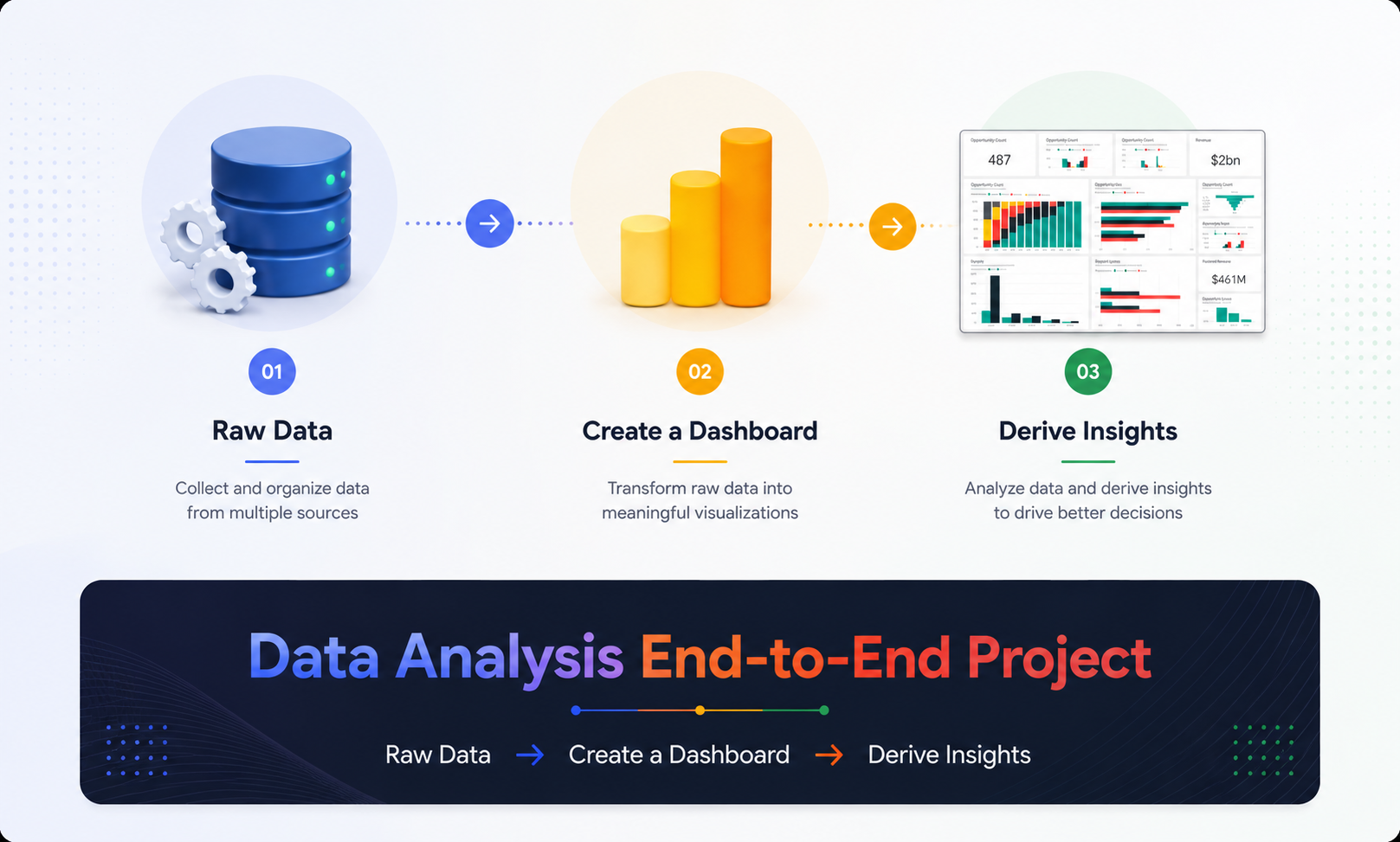
From data cleaning to building interactive dashboards — you’ll learn every step with hands-on guidance.

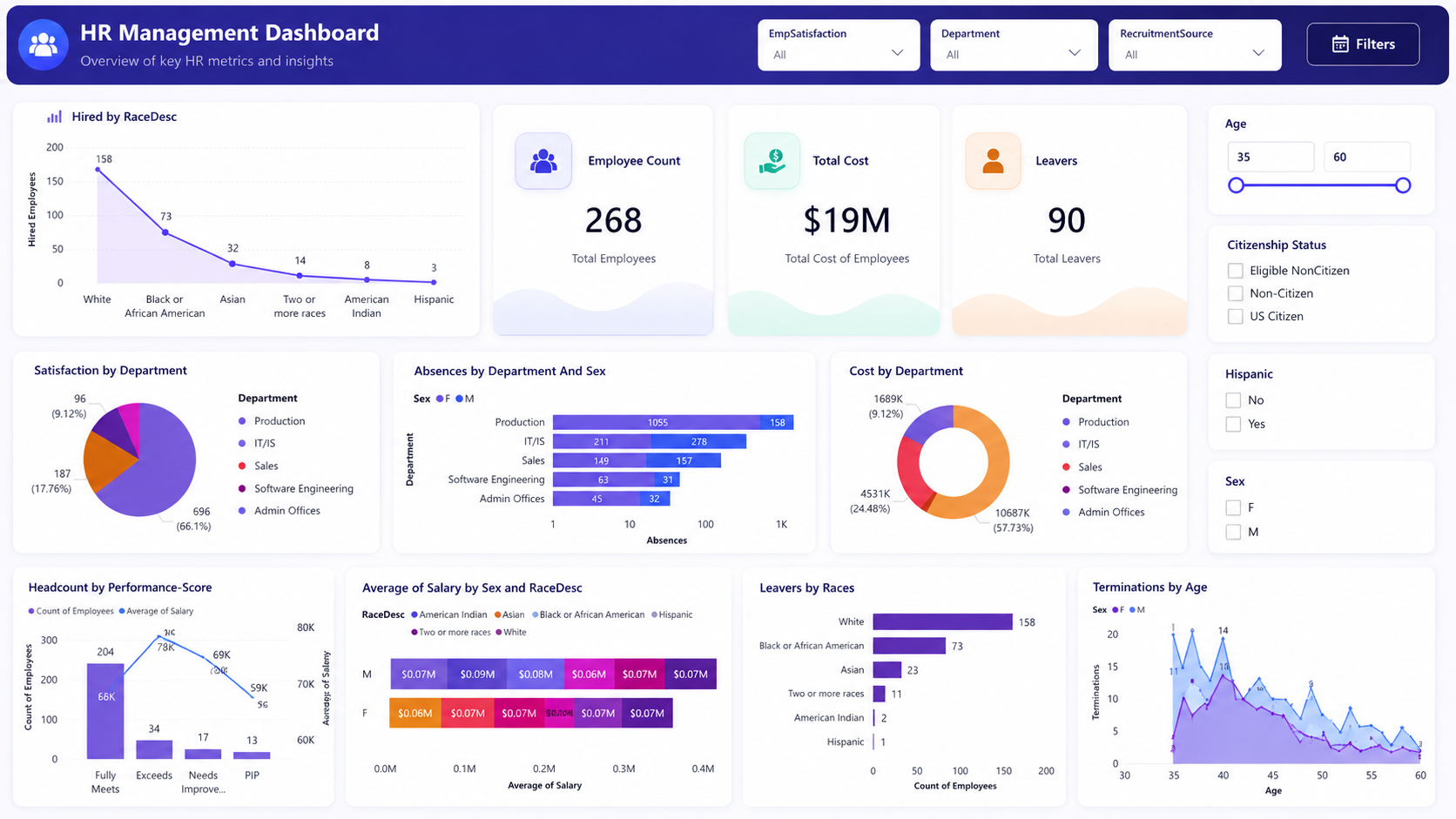
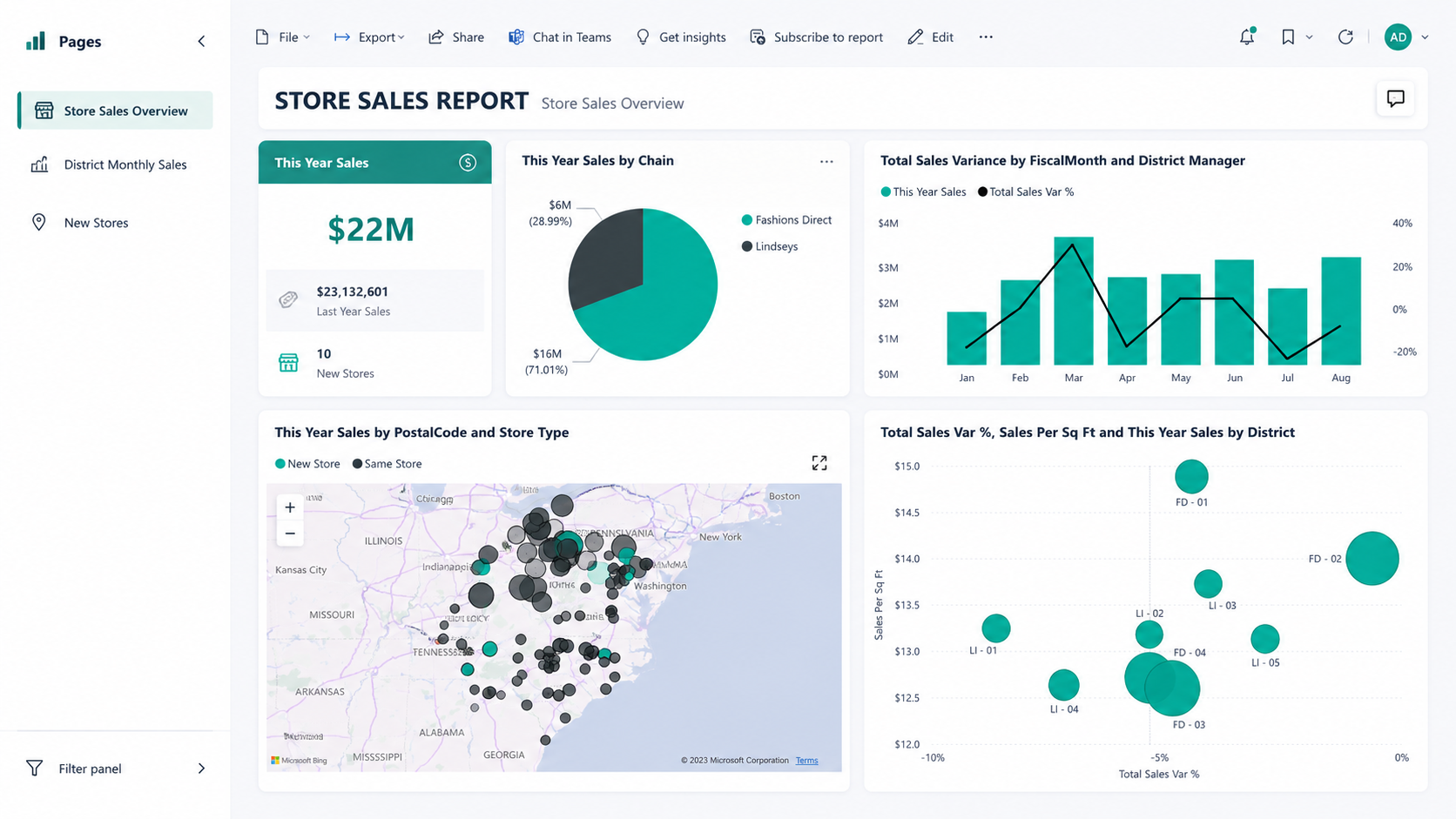
Sales Dashboard
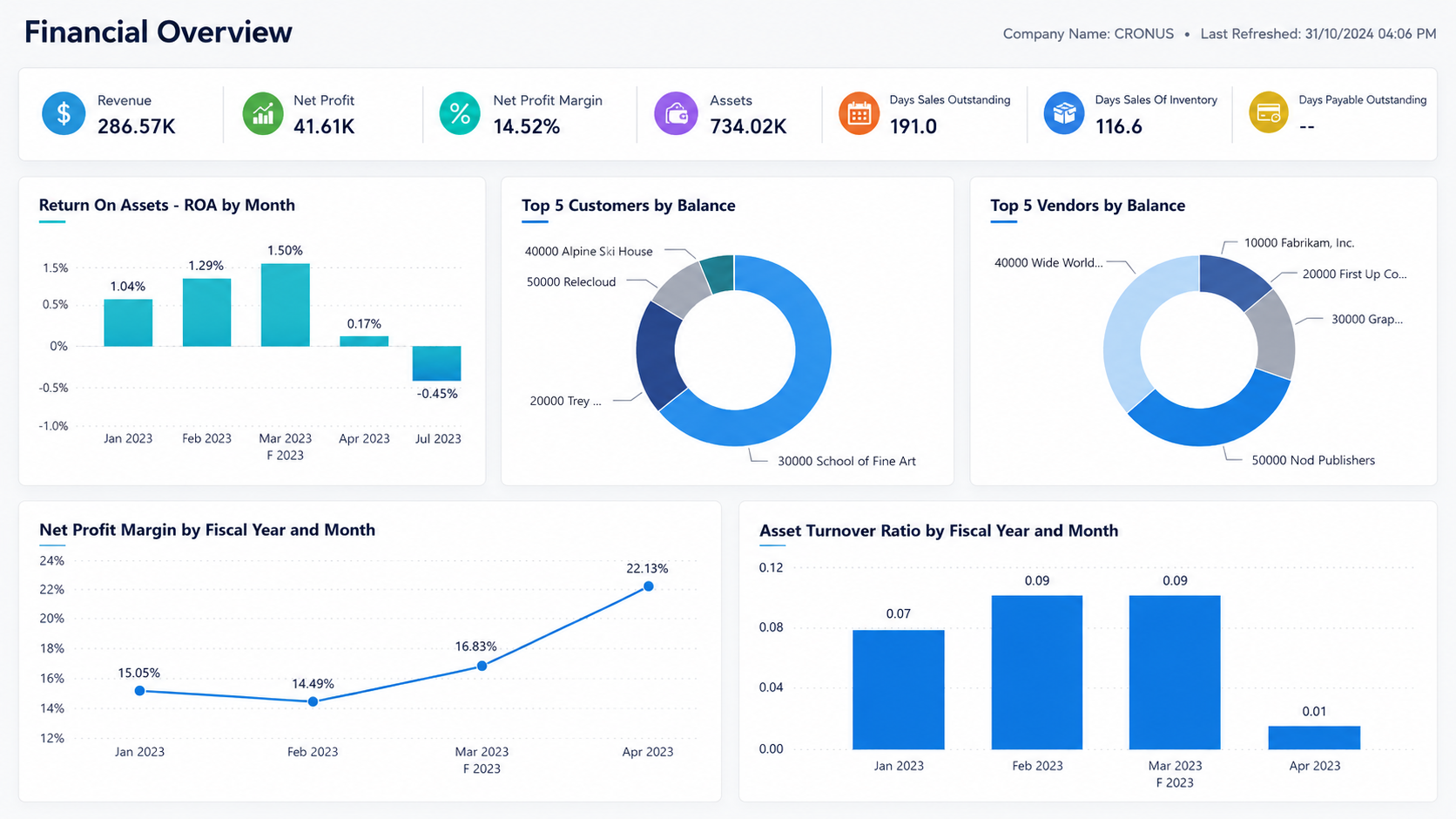
Finance Dashboard

HR Dashboard
Take the first step today—schedule your free consultation with our expert now
See what our Mentees are telling about the Mentorship?
Become a Certified Power BI Professional
Stand out in the job market with real skills and official certification.

Take the first step today—schedule your free consultation with our expert now
Meet Your Mentor
Sananda Rao
Hi, I am Sananda, a corporate trainer and data analytics mentor with a strong focus on Power BI. I have trained over 3,000+ professionals, helping them grow in their careers by mastering data skills with ease.
With years of experience in guiding working professionals, I blend practical knowledge with simple teaching methods, making complex concepts easy to apply in real life. My mission is to build confidence, skills, and a data-driven mindset in every learner I mentor.

Time is Running Out. Grab Your Spot Fast!
Take the first step today—schedule your free consultation with our expert now
- Experience True 1:1 Mentorship
Frequently Asked Questions
Designed for professionals who want to learn by doing, not just listening.
Do I need prior experience?
Not at all. We start from your current level and build up. No Prior coding or business knowledge required.
Will I get individual attention?
Absolutely. This program is built around you and only you. Every session is a 1:1 mentorship where the trainer focuses entirely on your screen, your pace, and your goals — no group distractions, no generic teaching.
What if I don’t have fixed timings?
That’s the beauty — you can pick your own schedule.
How much does it cost?
You don’t pay anything for the consultation. The mentorship fee will be shared transparently after the call.